FAQ Item Title
How long does it take to get a quote?
- Upload your CAD file - our system analyses the geometry instantly
- Select your material and configuration - live pricing updates in real time
- Receive a full price breakdown including material cost, cutting time, and delivery
- Estimated delivery date shown upfront - no surprises
Note: Quotes are generated automatically 24/7. There is no need to contact a sales representative — the price is calculated directly from your file and configuration.
5 simple steps
From file to quote in under 2 minutes
Create Account
Sign up free in under 60 seconds. No credit card required.
Upload CAD File
Drag & drop your STEP, DXF, DWG or PDF directly.
Choose Material
Pick from 50+ metals & plastics with live pricing.
Configure & Review
Set quantity, finish, tolerances - preview in 3D.
Receive Quote
Instant price. Order with one click, delivered in days.
Step-by-step guide
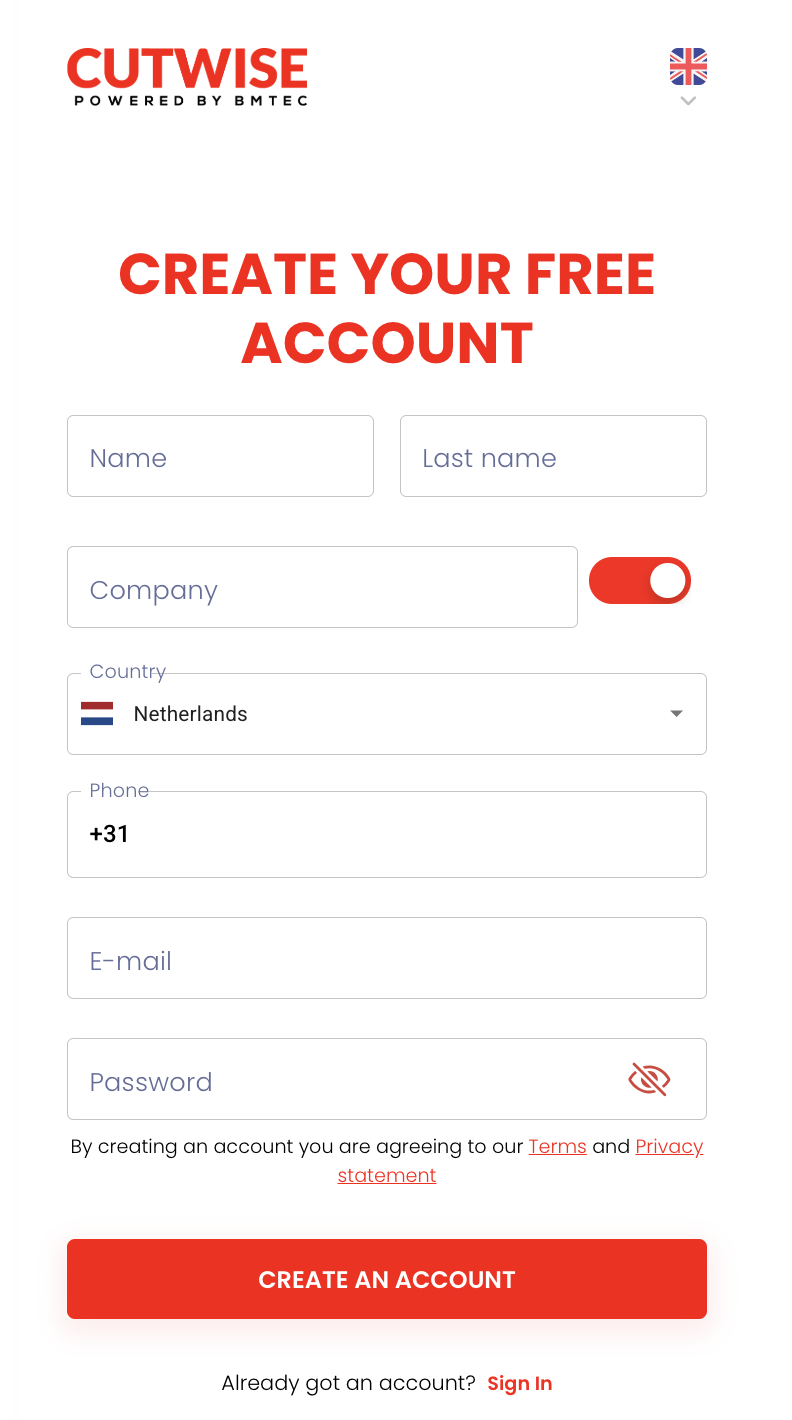
Create Your Account
Getting started with CutWise is completely free. Head to the registration page and fill in your company details.
- Fill in your name and company email
- Verify your email address
- Set your preferred delivery country
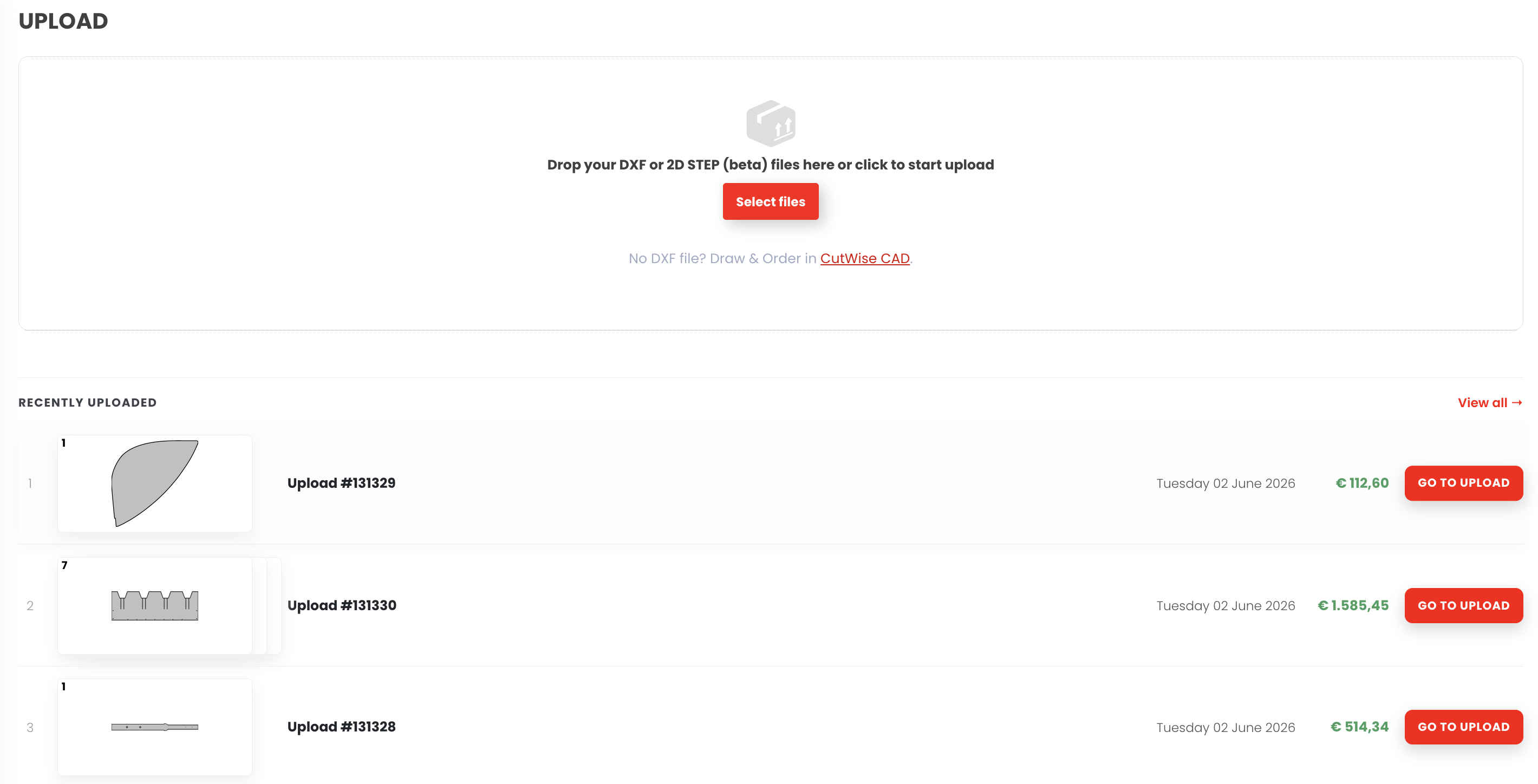
Upload Your File
Drag and drop your 2D or 3D file directly onto the uploader. Supported formats: STEP, DXF, DWG, PDF, IGES.
- Supported: STEP, DXF, DWG, PDF, IGES
- Maximum file size: 100 MB per file
- Multiple files can be uploaded at once
Tip: For the most accurate quote, use a STEP file.
Choose Your Material
Browse our material library of 50+ options with real-time pricing based on current stock.
- Stainless steel, aluminium, carbon steel & more
- Coated, anodised, and raw options available
- Material certificates on request
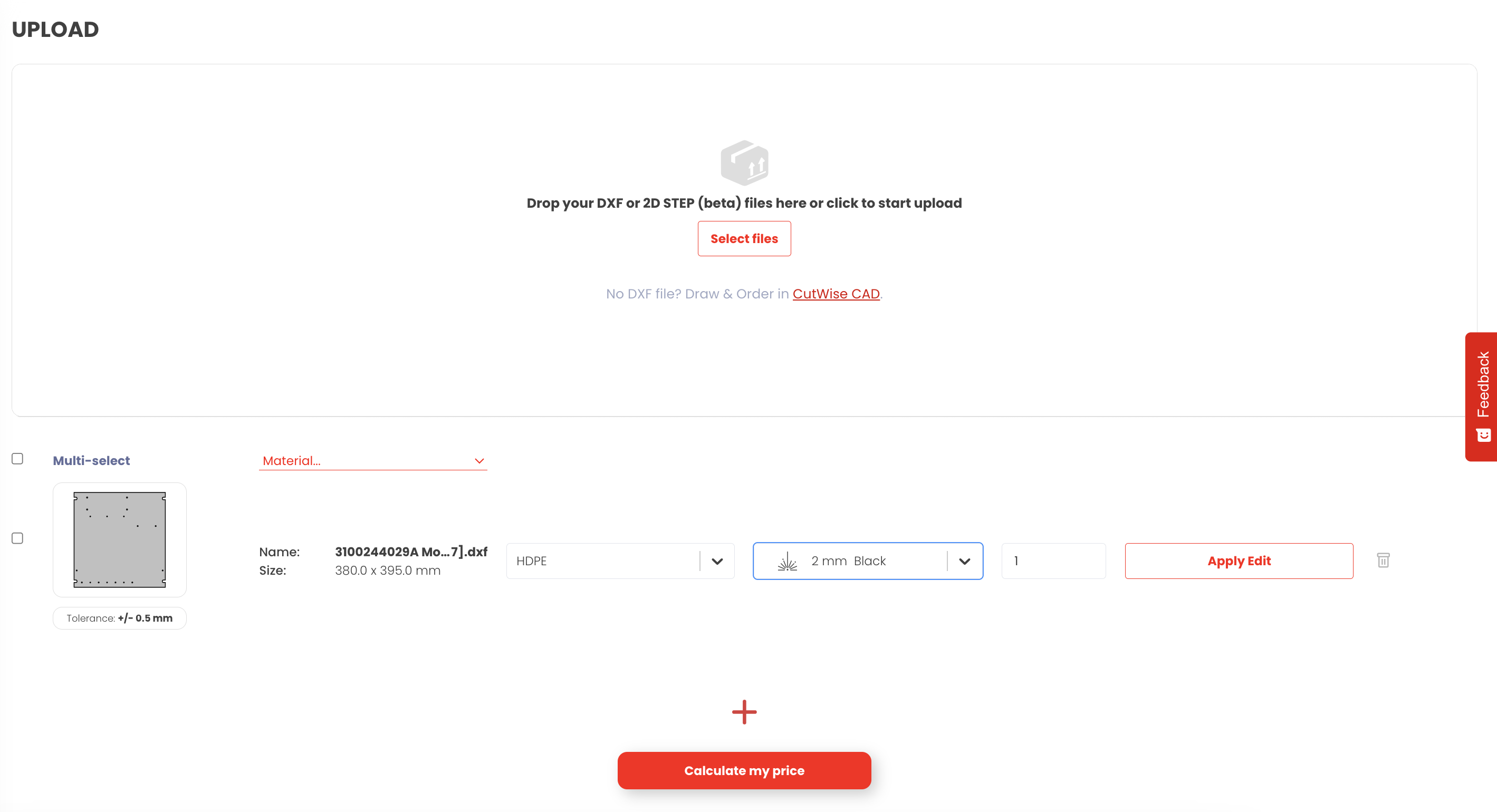
Configure & Review
Set the quantity, surface finish, and any special tolerances. Preview your part in 3D.
- Adjust quantity for volume pricing
- Choose from powder coat, brushed, polished finishes
- Add notes for the production team
Note: Increasing quantity typically lowers the per-unit price.
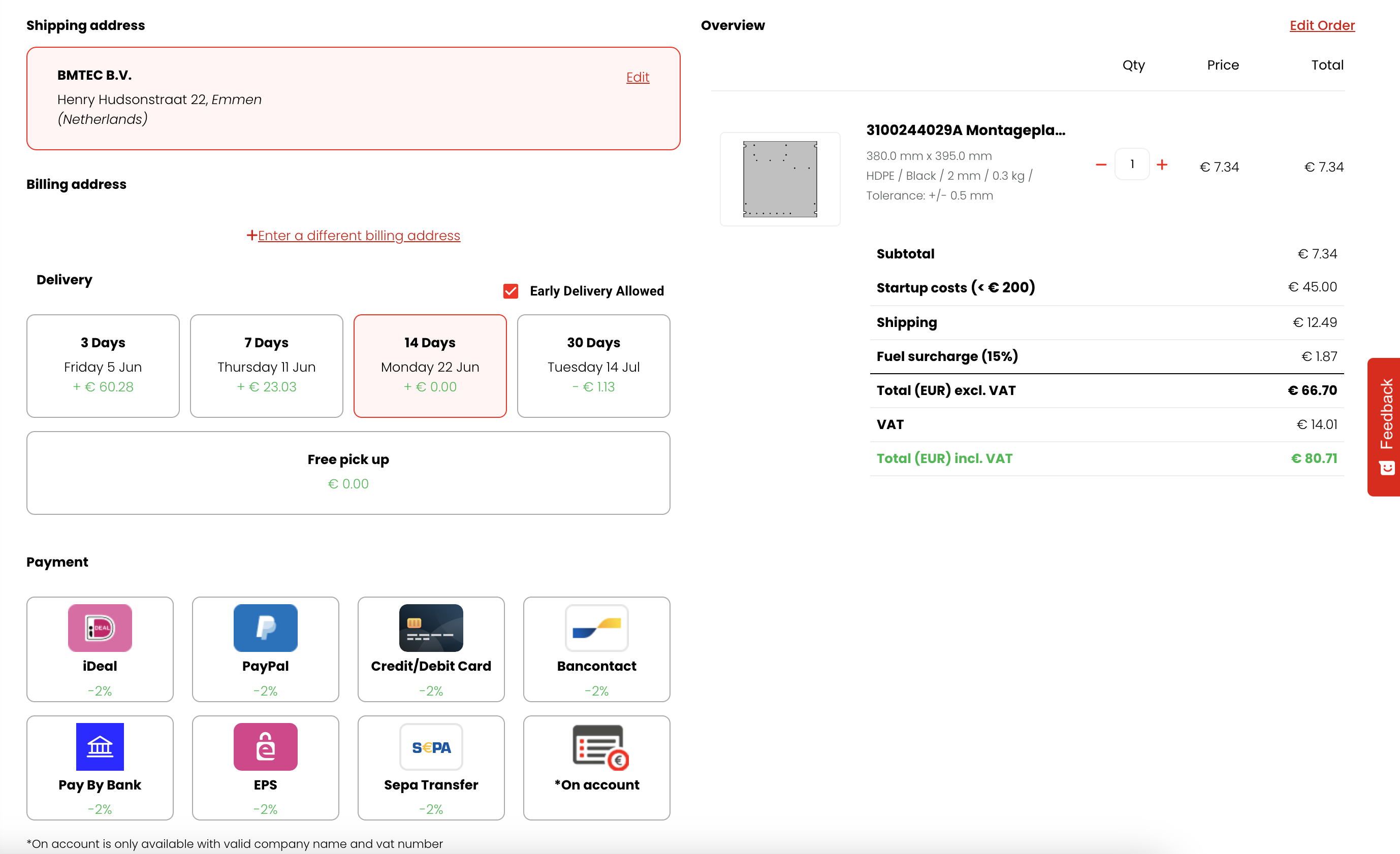
Receive Your Quote
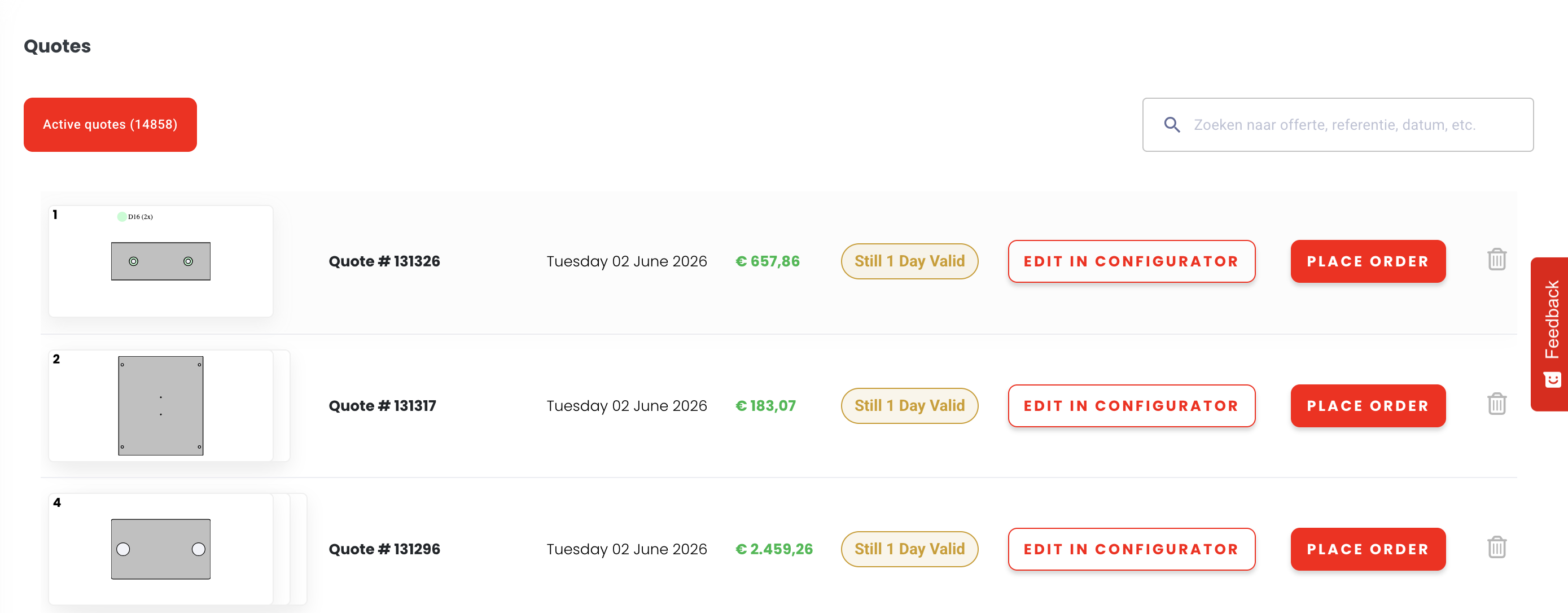
Your instant quote is calculated automatically - including material cost, cutting time, and delivery.
- Full price breakdown included
- Estimated delivery date shown upfront
- Download PDF quote for your records
- Pay securely by credit card or invoice
Still need help?
We’re happy to help you further.
Customer Service (Mon - Fri, 08:00 - 17:00)